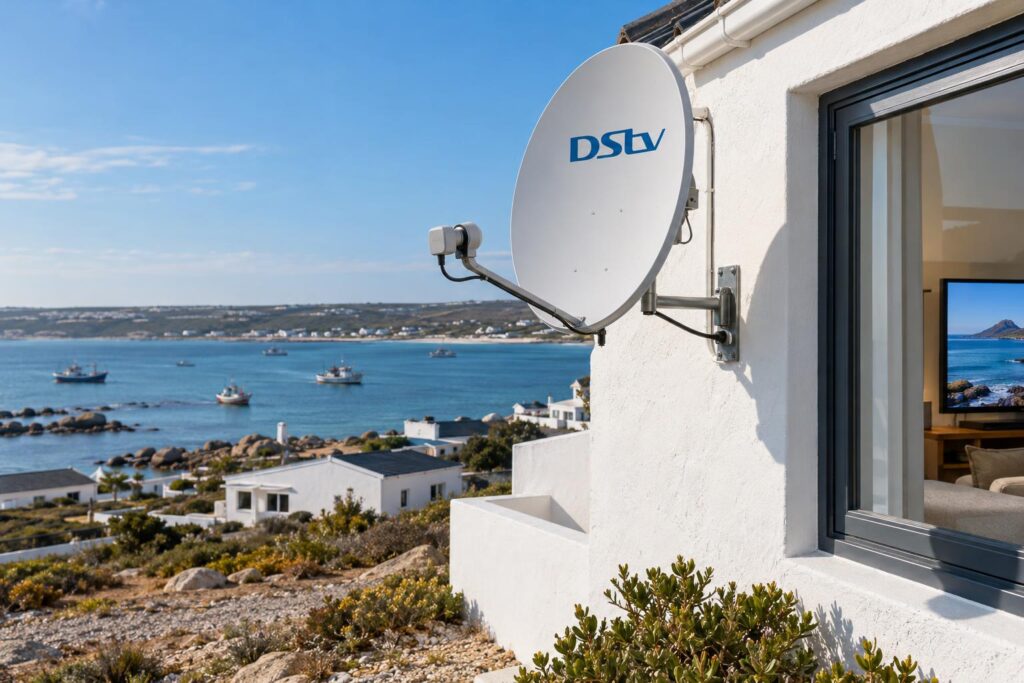
Quick answer: DStv Stream runs on your internet through an app, so it needs no dish and no decoder. A satellite decoder uses no internet data at all and keeps working when the line is slow or down. In St Helena Bay, a decoder is usually the safer main TV, and Stream is a cheaper choice for homes with strong, uncapped internet. Many families use both, because Stream is included with a decoder subscription.
This is our local guide to DStv Stream vs decoder St Helena Bay homeowners can actually use. We hear the same mix-up every week. Someone has seen that DStv now streams, and they want to know if the dish on the roof can come down. The honest answer is: sometimes, but not always.
Key points before you decide
- DStv Stream needs no dish or decoder. It needs good internet instead.
- A decoder needs a dish, but uses zero internet data.
- Stream is cheaper per month on most of the new packages, at the time of writing.
- If you already pay for a decoder package, the DStv Stream app is included.
- Your internet line, not the TV, decides how well Stream works.
DStv Stream vs decoder: the mix-up we hear most
Most people think "streaming" and "decoder" are two different DStv products that do the same job. They are really two ways of getting the same channels into your house. One comes down from a satellite. The other comes through your internet line.
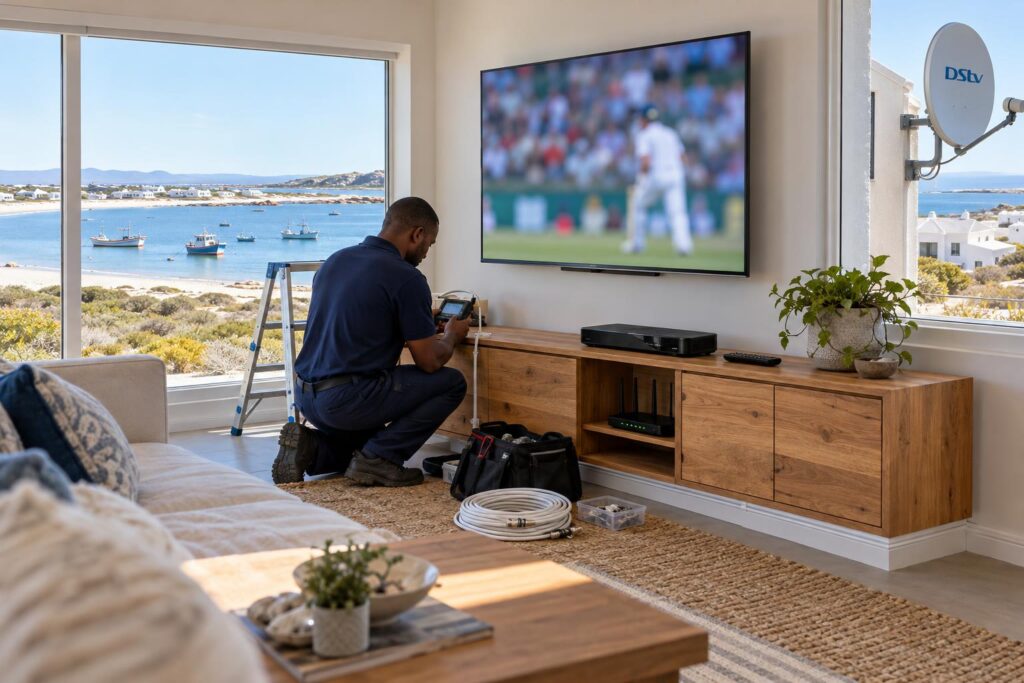
That difference sounds small. On the West Coast it matters a lot. A satellite signal does not care if your fibre is down or your LTE data has run out. A stream does not care if the wind has knocked your dish out of line. Each one has its own weak spot.
So the real question is not "which is better?" It is "which weak spot can my house live with?" Let us clear up the myths first, then look at what they mean for local homes.
Myth vs fact: what DStv Stream really is
These are the six beliefs we hear most often from customers in St Helena Bay, Laaiplek, Stompneus Bay and Velddrif. Some are half true. Some are simply out of date.
Myth 1: "You still need a dish for DStv Stream"
Fact: you do not. DStv Stream works through the app on a smart TV, phone, tablet or laptop. There is no dish, no LNB and no cable from the roof. All you need is a DStv account, a package and a good internet connection.
Myth 2: "Streaming never drops out in bad weather"
Fact: Stream is not affected by heavy cloud the way a dish can be. But it depends on your internet line, and lines go down too. A power failure at a tower or a slow evening on the network will freeze a stream just as fast. If storms are your worry, our guide on losing signal in bad weather explains what really happens to a dish.
Myth 3: "Any internet connection will do"
Fact: MultiChoice recommends an uncapped connection of at least 4Mbps, and 10Mbps for HD streaming. That is per stream. Two people watching at once need more. A capped LTE contract can run dry quickly with a family streaming every night.
Myth 4: "If I have a decoder, I must pay extra for Stream"
Fact: DStv says Stream is included in your decoder subscription. You can use the DStv Stream app on your phone or a smart TV in another room at no extra cost. Without added mobile streams, you can watch on two devices at the same time.
Myth 5: "Stream and decoder cost the same"
Fact: not anymore. On most of the new packages, Stream costs less each month than the same package on a decoder. We show the numbers in the table below.
Myth 6: "A decoder cannot do streaming"
Fact: an Explora Ultra connects to your internet for Catch Up and apps. So a decoder home can still enjoy on-demand shows, as long as the WiFi reaches the TV.
DStv Stream vs decoder prices in October 2026
DStv changed its packages on 17 September 2026. These are the official monthly prices at the time of writing (October 2026), from the DStv guide to the new packages.
| Package | Channels | On a decoder | On DStv Stream |
|---|---|---|---|
| Starter | 85+ | R150 pm | R99 pm |
| Select | 100+ | R339 pm | R299 pm |
| Sports | 115+ | R479 pm | R399 pm |
| Movies & Series | 115+ | R500 pm | R500 pm |
| Premium | 130+ | R979 pm, or R799 pm on a 24-month contract | R799 pm |
The monthly saving on Stream is real. But it is only half the sum. Stream uses your data, and a decoder does not. If you pay extra for a bigger data bundle just to stream, the saving shrinks.
A decoder also has a once-off cost for the box and the installation. Our standard installs start from R800, with equipment priced separately. If you only want free channels and no monthly fee at all, read our OpenView vs DStv comparison first.
What this means for homes along the bay
Every house here is a little different. The right choice depends on your internet, how often you are home, and how much sport you watch.
Wind, salt air and the dish
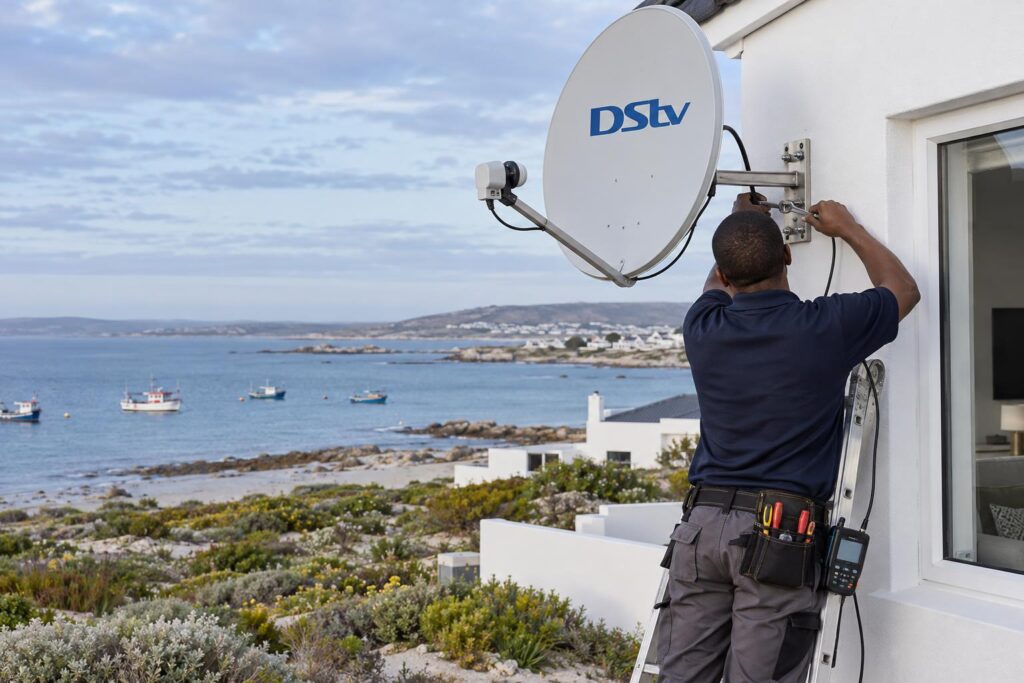
The strong summer wind that blows across the bay can shift a dish that was not mounted properly. Salt air eats cheap brackets and connectors. A well-fitted dish with sealed connectors handles this fine for years. A poor one starts to break up the picture within months.
If your picture already freezes, the cause is usually fixable. Our guide to DStv picture freezing or pixelating walks through the common causes. Moving to Stream is not the only cure.
DStv Stream vs decoder in a holiday home
Many homes in Shelley Point and Britannia Bay stand empty for weeks at a time. Here Stream can make good sense. There is no decoder box to buy, and the app goes wherever you go.
The catch is the internet. If the house has no fibre and you rely on a phone hotspot, a long weekend of rugby will eat your data. For a weekend place, our holiday home DStv setup article covers both routes.
Power cuts and backup
When the power goes, a decoder needs only the decoder and the TV on backup. Stream needs the TV, your router and whatever feeds your internet. If the tower or exchange that serves your area also loses power, the stream stops, even if your inverter is still running.
Farms and homes further out
On farms toward Velddrif and on the road out to Paternoster, a strong line is not always available. A dish only needs a clear view of the sky to the north-east. That is why most rural homes still choose a decoder.
Not sure which way your house should go?
Tell us about your internet and your TVs, and we will give you a straight answer. If Stream suits you better, we will say so.
Internet first: getting WiFi ready for streaming
Most "Stream is useless" complaints are really WiFi complaints. The router sits in the passage, the TV is in the far lounge, and the signal has to fight through two thick walls.
- Run a network cable to the main TV if you can. A cable beats WiFi every time.
- Use a mesh system in double-storey or long, single-level homes.
- Check your speed at the TV itself, not next to the router.
- Make sure your contract is uncapped before you cancel any decoder.
We do this work every week. Our WiFi and fibre network setup service covers routers, mesh, data cabling and wired points for TVs and decoders.
When a decoder or Explora Ultra still wins
For a family main TV, we usually settle the DStv Stream vs decoder choice in favour of the decoder. Here is why.
- Big live matches do not depend on your line holding up.
- No data is used, so the internet stays free for work and school.
- One remote, one box, nothing to log into each time.
- Recording, pause and rewind on an Explora.
If you want the best of both, an Explora Ultra gives you satellite TV plus internet apps on one box. Our Explora Ultra installation service covers the Smart LNB, the dish alignment and connecting the box to your WiFi.
For a proper satellite setup from scratch, our team does DStv installation in St Helena Bay and across the West Coast, with the dish aligned on a signal meter.
Running both: decoder in the lounge, Stream everywhere else
This is how most of our customers settle the DStv Stream vs decoder question. The decoder runs the main TV. The DStv Stream app runs on the bedroom TV, the phones and the laptop.
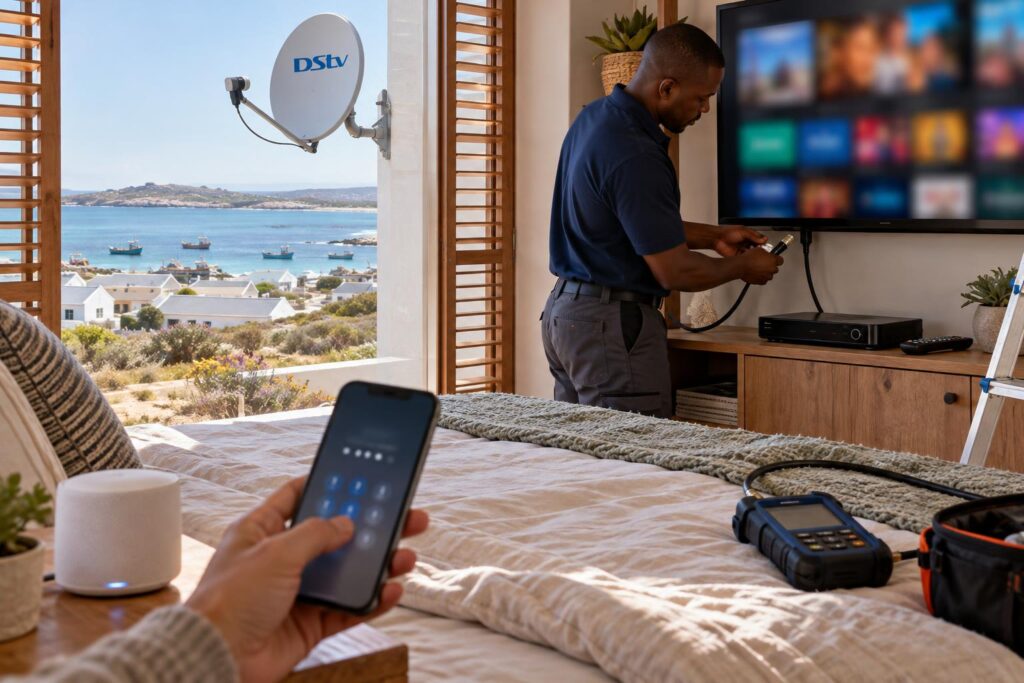
Linking the app to a smart TV takes a few minutes. These are the steps DStv gives:
- Install the DStv Stream app from your smart TV's app store.
- Open the app. A code will show on the TV screen.
- On your phone, go to dstv.stream/TV.
- Type in the TV code and sign in with your DStv account.
- Your channels will load on the TV.
If your decoder is older and needs to reach the internet for Catch Up, read our DStv WiFi Connector setup guide first. It explains which boxes need one.
Local tip: If the bedroom TV keeps buffering in the evenings, test it during the day too. If it plays fine in the morning, the problem is your line at peak time, not the TV.
Your DStv Stream vs decoder checklist
Work through these before you decide. Be honest with each answer.
- Is your internet uncapped, and is it fast at the TV, not only at the router?
- Do you watch live sport most weekends?
- Do you have backup power for the router and the internet line?
- Is the house empty for weeks at a time?
- Do you need to record shows?
- How many people watch at the same time?
If you answered yes to sport, recording or a weak line, a decoder is your best main TV. If your line is strong and you mostly watch series, Stream can save you money each month. Give us a call and our St Helena Bay DStv installers can test your signal and your WiFi on the same visit.
Book a visit from your local team
We install decoders, fix WiFi for streaming and set up the DStv Stream app on your smart TV. One visit, both sorted.
Whichever way you go, set it up properly once. A good dish or a good WiFi network will save you years of frustration.
DStv Stream vs decoder: St Helena Bay FAQs
DStv Stream vs decoder: which is better in St Helena Bay?
For a family main TV, a decoder is usually more reliable, because it does not depend on your internet. Stream is better for second TVs, phones and holiday homes with strong, uncapped internet. Many homes use both.
Can I use DStv Stream without a decoder?
Yes. DStv Stream works through the app on a smart TV, phone, tablet or laptop. You need a DStv account, a package and a good internet connection, but no dish or decoder.
DStv Stream vs decoder price: which is cheaper?
At the time of writing (October 2026), Stream is cheaper per month on most packages. For example, Select is R299 on Stream and R339 on a decoder. Remember to add the cost of your internet data when you compare.
Is DStv Stream included in my decoder subscription?
Yes. DStv says Stream is included with your decoder subscription. You can watch on the DStv Stream app at no extra cost.
How do I use the DStv Stream TV code on my smart TV?
Install the DStv Stream app on the TV and open it to see a code. On your phone, go to dstv.stream/TV, enter the code and sign in. Your channels will then load on the TV.
How many devices can stream DStv at the same time?
Without any added mobile streams, you can stream on two devices at the same time. Adding mobile streams lets more people watch, but the extra streams must be on mobile devices.
Keep reading
How salt air affects your satellite dish (and what to do about it)
Living this close to the sea is wonderful, but the salt air is brutal on equipment. Here's why…
TroubleshootingDStv Signal Problems in St Helena Bay: Causes and Fixes
.wa{color:#243447}.wa h2{font-size:clamp(24px,3vw,32px);font-weight:800;line-height:1.2;margin:38px 0 14px;color:#0F2741}.wa h3{font-size:clamp(18px,2.2vw,22px);font-weight:700;mar
GuidesDStv vs OpenView: which is right for your home?
Not everyone needs a full DStv package. Here's an honest, jargon-free comparison to help you choose, and how…