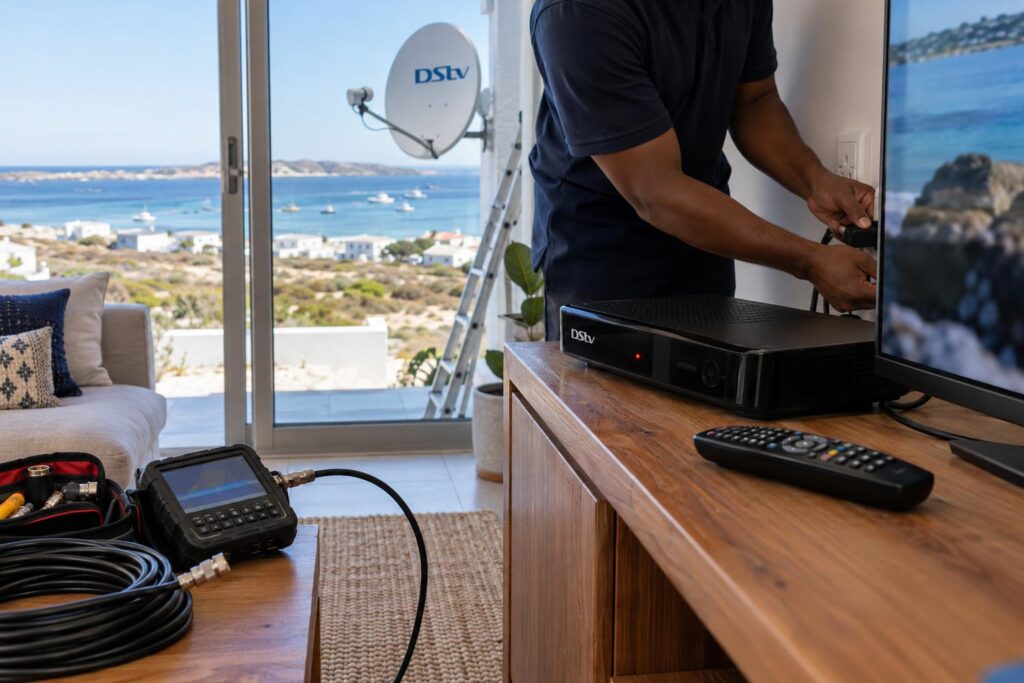
Quick answer: If your DStv decoder won't turn on, start with the power. Test the wall socket with a lamp, push the plug in firmly at both ends, and take the decoder off any multiplug. Then unplug it for a full 60 seconds and press the power button on the decoder itself. If there is still no light at all, the power supply has most likely failed and it needs a technician.
When your DStv decoder won't turn on St Helena Bay evenings get very quiet. You press the button, the screen stays black and the little light on the front does nothing. We get this call every week, and most of the time the fix takes five minutes and costs nothing.
Below we start with what you are seeing, then the cause, then the fixes. At the end we tell you honestly when to call us.
Key points before you start
- Most "dead" decoders are a power problem, not a broken decoder.
- The light on the front of the decoder tells you a lot. Look at it first.
- No light at all, with a working socket, usually means a failed power supply.
- A burning smell or buzzing means unplug it now and leave it unplugged.
Your DStv decoder won't turn on: what are you seeing?
"Won't turn on" can mean a few different things. Before you touch anything, look at the front of the decoder. What you see points straight to the cause.
No light at all
If your DStv decoder won't turn on and shows no light at all, it is getting no power. The fault is between the wall and the decoder, or inside its power supply.
A red light that stays red
On most DStv decoders, a red light means the decoder has power but is sitting in standby. It wants to wake up but something is stopping it, or it simply has not been told to.
If pressing the button on the front of the decoder wakes it but the remote does not, your remote is the problem, not the decoder. Our DStv remote not working guide walks you through batteries and re-pairing.
The light comes on, then goes off again
A decoder that starts, flickers and cuts out usually has a weak power supply or is overheating.
The light is on, but the TV is black
The decoder is actually on. The problem is the TV, the HDMI cable or the TV input setting. We cover this below.
Why a DStv decoder won't turn on: the common causes
Across the West Coast we see the same few causes again and again. Here they are, most common first.
- The power point: a switch left off, a loose plug, or a multiplug that has tripped or died.
- Power cuts and surges: load shedding and power returning with a spike can freeze a decoder or damage its power supply.
- A stuck decoder: the software hangs and the decoder sits in standby until it is fully reset.
- Heat: a decoder boxed into a tight cabinet can overheat and shut itself down.
- A failed power supply: common in older decoders and after surges.
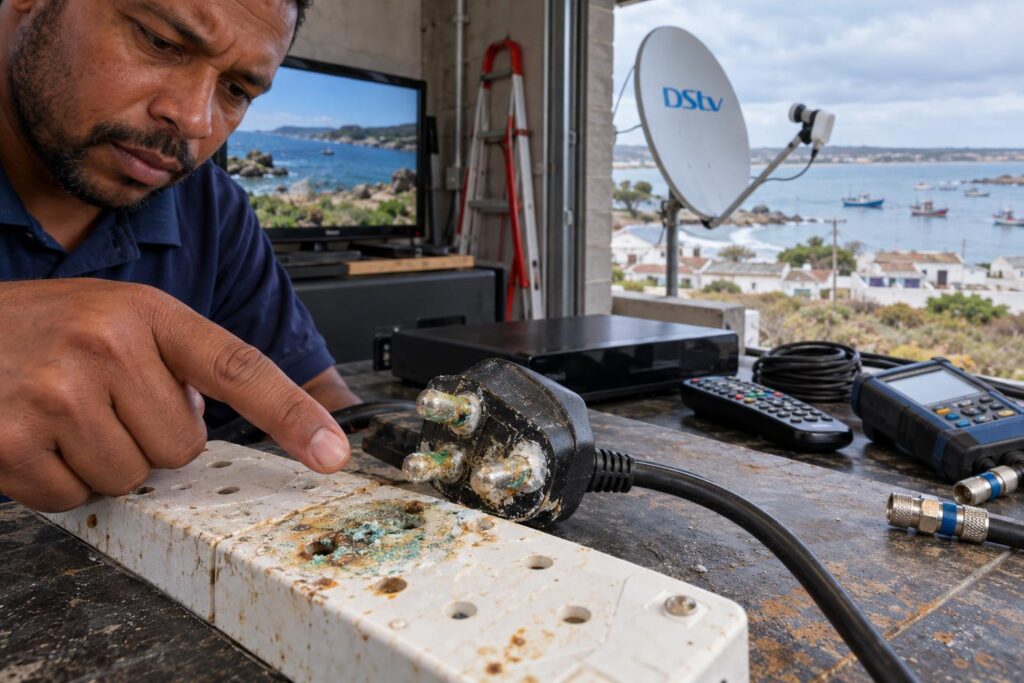
- Corrosion: salt air gets into plugs and multiplugs, especially in garages and rooms facing the sea.
Salt is a bigger factor here than most people expect. Homes close to the water in Stompneus Bay and Shelley Point see green and white crust on plugs and connectors far sooner than inland houses. Our article on how salt air affects equipment explains why.
Holiday homes that have stood empty
Many houses in Britannia Bay and Shelley Point are only used in the season. When owners arrive and find the DStv decoder won't turn on, it is often switched off at the wall, or the circuit is off at the DB board. On prepaid meters, the units may simply have run out.
Local tip: If the decoder and the TV are both dead, check the rest of the house before anything else. A tripped earth leakage or an empty prepaid meter is the most common "faulty decoder" we find in holiday homes.
7 checks to do before you call us
If your DStv decoder won't turn on, work through these in order. Each one takes a minute or two, and you need no tools.
- Test the socket. Plug a lamp or phone charger into the same wall socket. If it does not work, the problem is the power, not the decoder.
- Check the plug at both ends. Push the power cable firmly into the wall and into the back of the decoder. Some decoders use a separate power adaptor, so check that join too.
- Take it off the multiplug. Plug the decoder straight into the wall. Multiplugs and surge plugs fail more often than decoders do.
- Do a full power reset. Switch off at the wall, unplug the decoder and wait at least 60 seconds. Plug it back in, switch on and wait.
- Press the button on the decoder. Use the power button on the front panel, not the remote. This tells you if the remote is the real problem.
- Feel for heat. If the top of the decoder is very hot, unplug it and let it cool for 30 minutes. Then give it space to breathe.
- Be patient. After a reset, an Explora can take a few minutes to load. Give it time before you decide it is dead.
Doing the reset properly
When a DStv decoder won't turn on after a power cut, the 60 second wait matters. A quick pull and push does not always let it fully drain. Use your phone's timer.
A reset is safe. It does not cancel your subscription or change your package.
Giving the decoder room to breathe
Decoders run warm, and Explora decoders run warmer. Keep a hand's width of space around the vents. Do not stack a sound bar or router on top.
Summer afternoons get hot in Velddrif and Laaiplek, away from the sea breeze. In a closed cabinet, a DStv decoder won't turn on again until it has cooled down.
Done the checks and still nothing?
We cover St Helena Bay, Laaiplek, Velddrif and the West Coast. Tell us what the light is doing and we will say straight if a call-out is worth it.
Decoder on, but no picture or no signal
Sometimes people think their DStv decoder won't turn on when it is actually on. The TV just shows nothing. Check the TV side first.
- Press the "Input" or "Source" button on the TV remote and pick the HDMI port the decoder is plugged into.
- Push the HDMI cable in firmly at both ends, or try a different cable.
- Try a different HDMI port on the TV.
If the decoder now shows a picture but displays an error or "no signal" message, it is not a power fault any more. It is a signal or account issue. Our guide to DStv error E16 covers one of the most common messages after a decoder has been off for a while.
Clearing errors yourself
DStv lets you clear errors and reconnect your package without waiting on the phone. You can use the MyDStv app, WhatsApp DStv on 060 060 3788, or dial *120*68584# from your cellphone. These are listed on the official DStv help and contact page.
When the signal is the real problem
Strong south-easters and winter storms off the bay can knock a dish out of line, and salt eats into LNBs and connectors. If the decoder powers on but the picture keeps dropping, our DStv signal repairs service finds the fault with a meter, not guesswork.
Repair or replace a decoder that won't turn on?
If your DStv decoder won't turn on, the socket is fine and the reset did nothing, the power supply inside has most likely failed. Please do not open the decoder yourself. Parts inside can hold a charge even when it is unplugged.
| What you see | Likely cause | Can you fix it yourself? |
|---|---|---|
| No light, lamp also dead in that socket | Power point, breaker or prepaid units | Yes, restore the power |
| No light, socket works | Failed power supply or adaptor | No, call a technician |
| Red light, front button wakes it | Remote problem | Usually yes |
| Red light, nothing wakes it | Stuck software or power supply | Try a 60 second reset first |
| Comes on then cuts out | Overheating or weak power supply | Cool it down, then call if it repeats |
| On, but TV is black | HDMI cable or TV input | Yes, check the TV side |
For a newer decoder, a repair is often worth it. For a very old decoder, replacing it can make more sense, especially if it has given trouble before. Our guide to DStv decoder prices in St Helena Bay shows what you will pay at the big retailers.
If you are replacing it, pick the right model for how you watch. Our article on which DStv decoder to choose keeps it simple.
A new or second-hand decoder must be linked to your account before it shows your channels. Here is how to activate a DStv decoder step by step.
DStv decoder won't turn on after the checks? When to call us
Some faults are not worth fighting alone. Call us if any of these sound familiar.
- Your DStv decoder won't turn on at all, even with a working socket and a good cable.
- It keeps switching on and off, even after cooling down and a full reset.
- It died during a storm or straight after a power cut, and other appliances were affected too.
- You smell burning or hear buzzing. Unplug it and do not use it again until it has been checked.
- The decoder powers on but the signal is weak, freezing or missing.
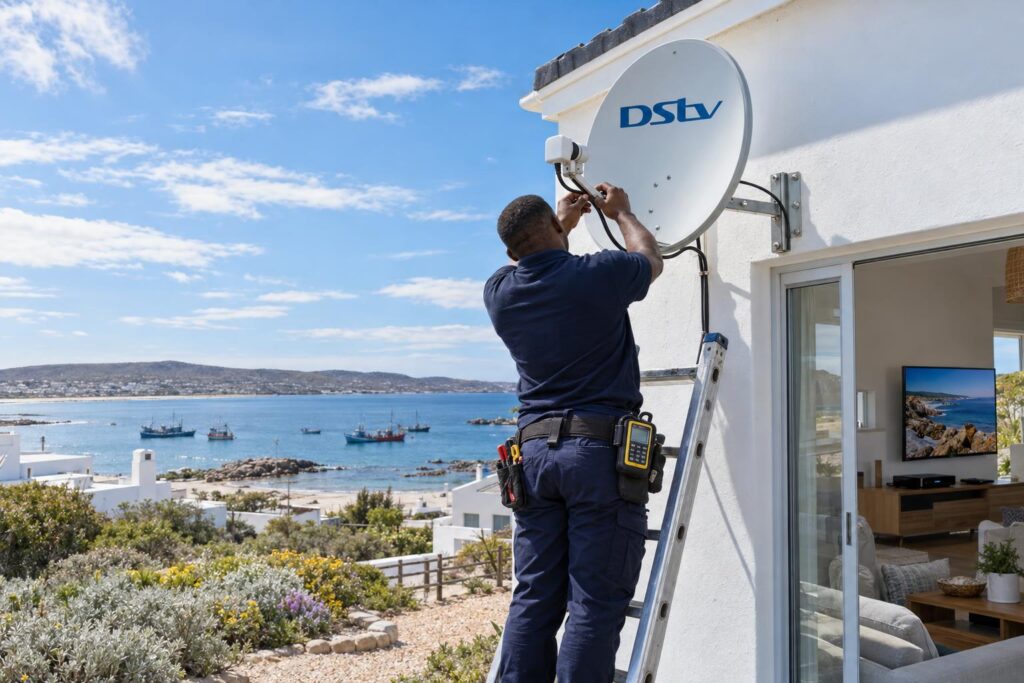
We test the power, decoder, cabling and dish in one visit. Our St Helena Bay DStv installers work from Sandy Point and know the local conditions well.
If the decoder is fine, we tell you. If it needs replacing, we explain your options and set the new one up.
How to stop it happening again
A few small habits keep a decoder alive for years, even this close to the Atlantic.
- Use a good quality surge protector, and replace it once it has taken a big hit.
- During load shedding, switch the decoder off at the wall. Wait a minute after the power returns before switching it on.
- Keep the decoder in open air, away from heaters and direct afternoon sun.
- Wipe dust from the vents every few months.
- In sea-facing rooms, check plugs and multiplugs for green or white crust once a year.
- Before leaving a holiday home for months, switch off at the wall and unplug the decoder.
Holiday home owners in Britannia Bay and toward the Paternoster side often ask us to check everything before the season starts. Our local DStv installers in St Helena Bay can test the decoder, the signal and the TV points in one visit, so the family arrives to a working TV.
Most of the time, a DStv decoder that won't turn on is a power problem you can fix in minutes. If the checks do not work, we are a short drive away.
Need your decoder working again today?
Call or WhatsApp us with what the front light is doing. We will help you over the phone first if we can, and book a visit if we cannot.
DStv decoder won't turn on: frequently asked questions
Why is my DStv decoder not powering on?
The most common reason is the power supply to the decoder: a dead socket, a loose plug or a failed multiplug. Test the socket with a lamp, plug the decoder straight into the wall and do a 60 second reset. If there is still no light, the decoder's internal power supply has probably failed.
What should I do if my DStv decoder won't turn on after load shedding?
Switch it off at the wall, unplug it for at least 60 seconds, then plug it back in and press the button on the front. If it stays dead and other appliances on that circuit work, the power surge may have damaged the power supply. A technician can test it and tell you if it can be repaired.
Why is my DStv decoder showing a red light only?
A steady red light usually means the decoder has power but is in standby. Press the power button on the decoder itself. If that wakes it, the problem is your remote. If nothing wakes it, do a full 60 second reset.
Can a DStv decoder that won't turn on be repaired?
Often, yes. When a DStv decoder won't turn on because the power supply or adaptor failed, that part can usually be fixed or replaced. For a very old decoder, replacing it may make more sense, and we will tell you honestly which is better.
Will resetting my decoder cancel my DStv subscription?
No. Unplugging the decoder and plugging it back in does not affect your account or your package. If an error shows once it is back on, you can clear it with the MyDStv app, DStv WhatsApp or the DStv USSD code.
How much is a call-out when my DStv decoder won't turn on in St Helena Bay?
Our repair and call-out visits start from R550, which covers diagnosis and signal testing. Any parts or a replacement decoder are extra. We give you the price before we do any work.
Keep reading
Fixing WiFi Dead Spots in Every Room With a WiFi Extender
Map your WiFi dead spots room by room, then fix each one with a better router spot, a…
GuidesHow to Add Channels on OpenView: Easy Steps for St Helena Bay
OpenView channels are free, so adding them means a restart, activation or better signal. Our St Helena Bay…
TroubleshootingWhat a Technician Checks for a DStv E48-32 Error
A DStv E48-32 error means no signal. Here are the safe checks to try first and what a…