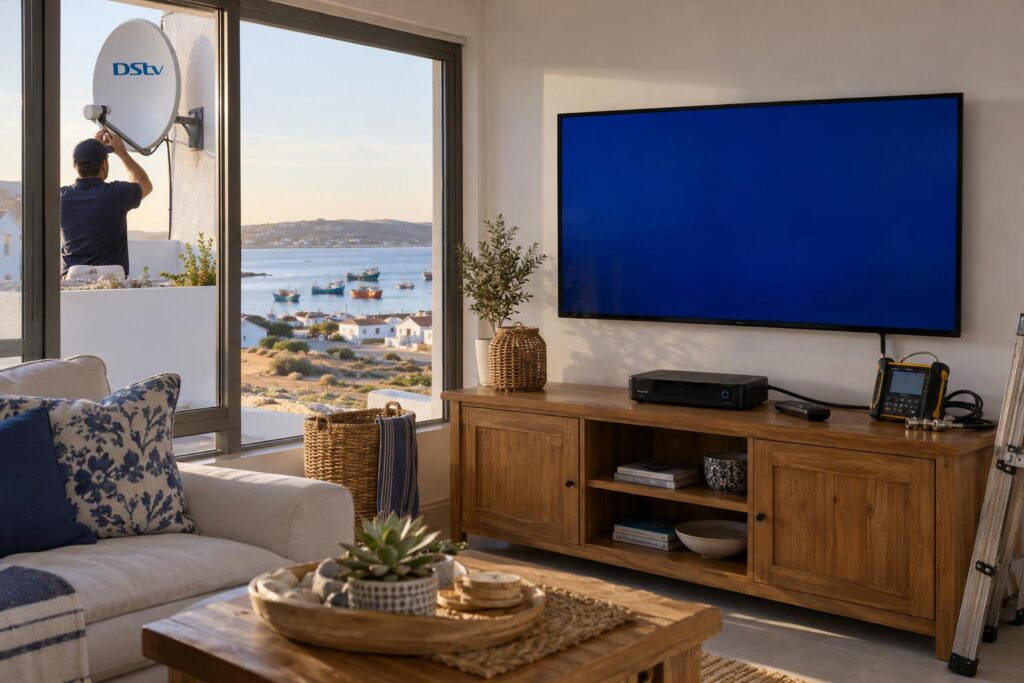
Quick answer: DStv error E16 means "service is currently scrambled". Your decoder is not authorised to show that channel right now. It usually happens when the account is unpaid or short, the channel is not in your package, or the decoder was off when you paid. Leave the decoder on, check your balance, then use "Fix errors" on the MyDStv app or website and wait about 15 minutes.
You sit down for the evening news or the rugby, press the remote, and the screen says E16 with a message about the service being scrambled. Here is our DStv error E16 St Helena Bay guide, based on the faults our team sees on real West Coast call-outs. Most of the time you can clear it yourself in under half an hour, without a technician and without paying anyone.
We start with the problem itself, then the causes, then the fixes in the right order. Finally, we explain the few cases where E16 is really a dish or signal problem that needs a visit.
Key points about the E16 error
- E16 is an authorisation message. In most cases nothing is broken.
- The usual causes are payment, package, a decoder that was off, or old decoder software.
- DStv says the error can take up to 15 minutes to clear after you request a fix.
- Your decoder must stay switched on while the fix comes through.
- If E16 keeps coming back with poor picture, check the signal. That can point to the dish.
Seeing DStv error E16 on your TV? Here is what it means
DStv describes E16 as "Service is currently scrambled". The decoder can see the channel arriving from the satellite, but it does not have permission to unscramble it.
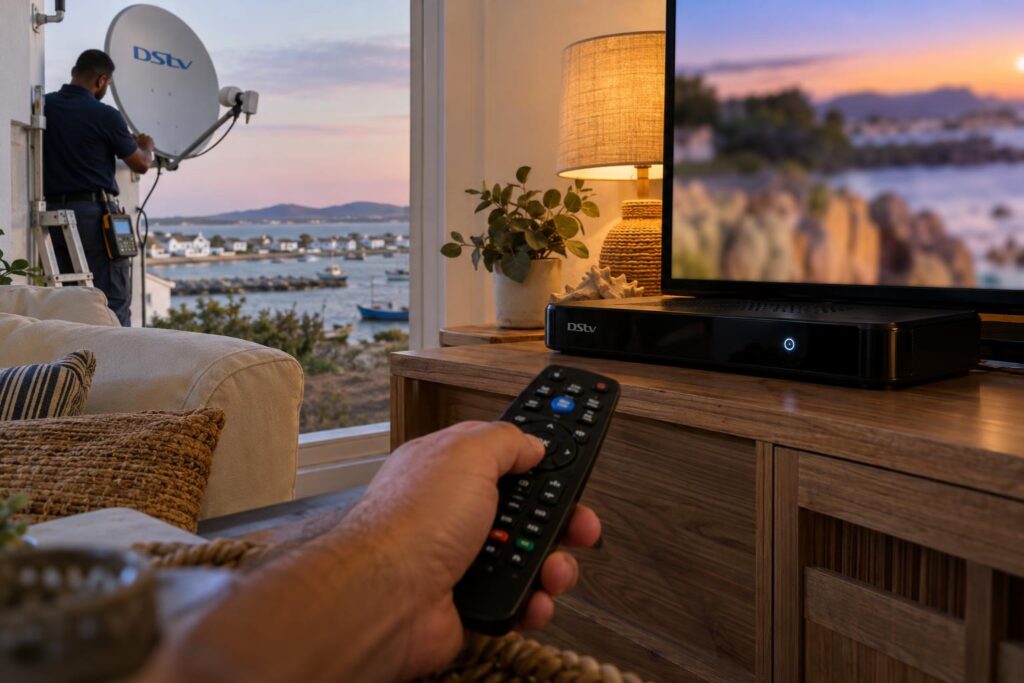
Think of it like a gate remote that has been switched off at the control box. The gate is fine and the remote is fine. The system just has not been told to let you in.
Many people see DStv error E16 written as E16-4. Whatever number follows, the approach is the same. Work through the checks below in order and do not skip the first ones because they seem too simple.
What a DStv E16 error is not
- It is not usually a broken decoder.
- It is not usually a dish that has blown out of line. That tends to show E48 or a no-signal message instead.
- It is not a sign your smartcard has been blocked for good.
What causes DStv error E16
MultiChoice's own help material lists a short set of causes. In our experience on the West Coast, they show up in roughly this order.
1. The account is unpaid or short
If your subscription lapsed, or you paid less than the package costs, channels are switched off and DStv error E16 appears. A debit order that bounced on a month-end weekend is a common trigger.
2. The channel is not in your package
If DStv error E16 shows on one or two channels but the rest work, the channel may simply sit in a bigger package. Sports and movie channels are the usual ones.
3. The decoder was off when you paid
DStv sends the go-ahead to your decoder over the satellite. If the decoder was switched off at the wall, or a power cut or load shedding hit at the wrong moment, it can miss that message.
This is very common in holiday homes in Shelley Point and Britannia Bay, where the plug is switched off between visits. If you have just bought a used box, our guide on activating a second-hand DStv decoder explains the extra steps.
4. Old decoder software
MultiChoice also lists outdated decoder software as a cause of DStv error E16. A decoder that has been in a cupboard for months may need an update before it behaves.
5. A weak signal from a faulty installation
Less often, DStv error E16 comes from the dish. DStv's own FAQ says faulty installation can cause E16, and that you should check signal strength and quality.
How to fix DStv error E16 yourself, step by step
Do these in order. Most DStv error E16 cases on our side of the bay clear by step 4.
- Switch the decoder on and leave it on. Turn it on at the wall and on the remote. Tune to a channel you normally get, not the one showing E16.
- Check your balance. Open the MyDStv app or sign in at dstv.com. The balance due shows on the dashboard. Pay anything outstanding.
- Check your package. Make sure the channel you want is part of what you pay for. If not, the fix is an upgrade, not a reset.
- Clear the error. In the MyDStv app or on the website, go to manage account, then clear error codes, choose E16 and tap clear error. DStv's WhatsApp service also has a "Fix errors" option.
- Wait about 15 minutes. Leave the decoder on the whole time. Do not switch it off to "help" it.
- Restart properly if it is still there. Switch off at the wall, wait a full minute, then switch on and let it start up completely.
Local tip: If you pay from Cape Town or Johannesburg for a house in St Helena Bay, ask a neighbour or your cleaner to switch the decoder on before you pay. Then send the clear error request. A decoder that is off cannot receive the fix.
Check your DStv decoder software
MultiChoice suggests this route: press the Help button on the remote, choose General Information, then Information Central. Check the software status there.
If the decoder asks to update, let it finish. Keep it on and do not pull the plug halfway. If the box will not power up at all, that is a different fault, and our checklist for when a DStv decoder won't turn on is the place to start.
Reseat the smartcard
Switch the decoder off at the wall. Gently pull out the smartcard, check the gold chip is clean, and push it back in firmly the right way round. Then switch on again.
This helps more often in older homes in Laaiplek and Velddrif, where dust and damp from the salt air settle inside cabinets.
DStv E16 or a signal fault? How to tell the difference
Telling DStv error E16 apart from a signal fault matters, because the fixes are very different. One is a few taps on your phone. The other needs someone on your roof.
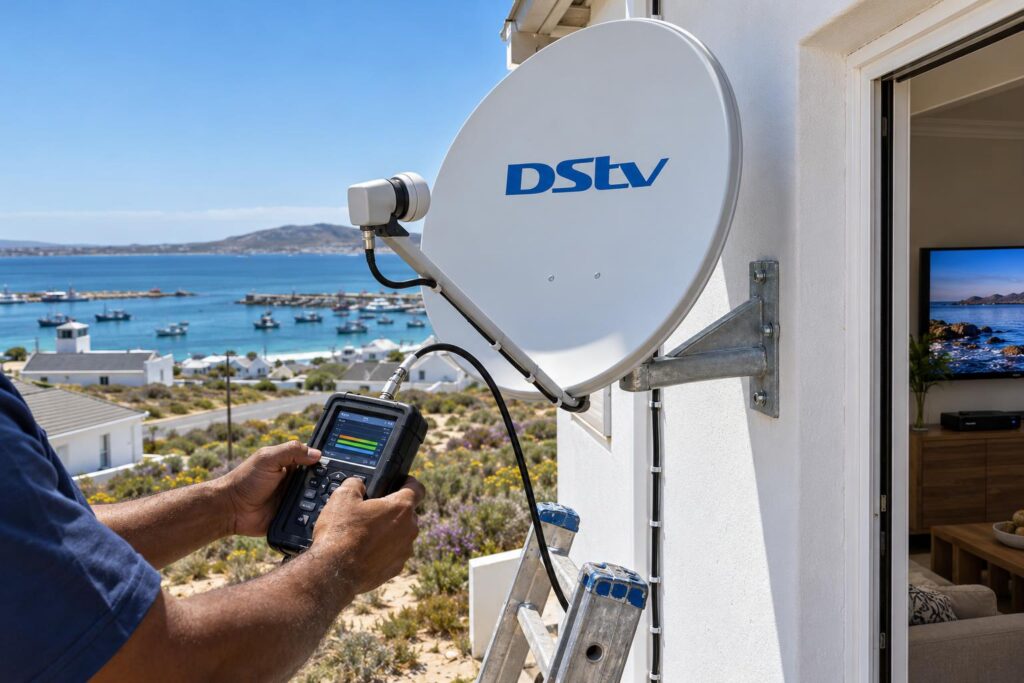
To check signal on most decoders, press Help, go to General Information, then Tuner Status. Look at the strength and quality for Tuner 1 and Tuner 2. Menus differ slightly between decoder models.
| What you notice | Most likely cause | What to do |
|---|---|---|
| E16 on one or two channels only | Channel not in your package | Check or upgrade your package |
| E16 on every channel after a missed payment | Account suspended | Pay, then clear the error |
| E16 after the house was empty for weeks | Decoder missed the update while off | Leave it on, clear the error, wait 15 minutes |
| E16 plus blocky, freezing picture | Weak signal reaching the decoder | Check Tuner Status and call us if it is low |
| E16 that returns after strong wind | Dish or LNB knocked or loose | Book a signal check |
If your picture is also breaking into blocks, read our guide to DStv picture freezing and pixelating. Those symptoms usually point to the dish, cable or LNB.
When the readings are low or jump around, you need a proper test with a signal meter. Our DStv signal repairs service covers the dish, LNB, cables and decoder in one visit.
Why the West Coast weather can turn E16 into a signal problem
On the coast, authorisation is only half the story behind DStv error E16. The other half is what the wind and salt do to a dish over time.
Wind across the bay
The south-easter funnels hard across St Helena Bay in summer. A dish on a thin bracket or a loose bolt can shift by a small amount. That is enough to drop signal quality without losing the picture completely.
A good DStv installation in St Helena Bay uses a solid bracket, the right bolts and a meter-aligned dish, which is why a properly fitted dish rarely gives this trouble.
Salt air and corroded connectors
Homes facing the water in Stompneus Bay and towards the Paternoster side get heavy salt spray. Connectors and LNBs corrode, and the signal fades slowly over months.
We explain what to look for in our article on how salt air affects your dish.
Holiday homes left switched off
Many houses here stand empty for weeks at a time. The decoder misses updates, the software falls behind, and DStv error E16 greets you on the first night of the holiday.
Our tips for setting up DStv in a holiday home show how to avoid that first-night surprise.
Tried the steps and E16 is still on screen?
Send us a photo of the error and your Tuner Status screen on WhatsApp. We will tell you honestly if it is an account issue or a job for our technicians.
When to call us about DStv error E16
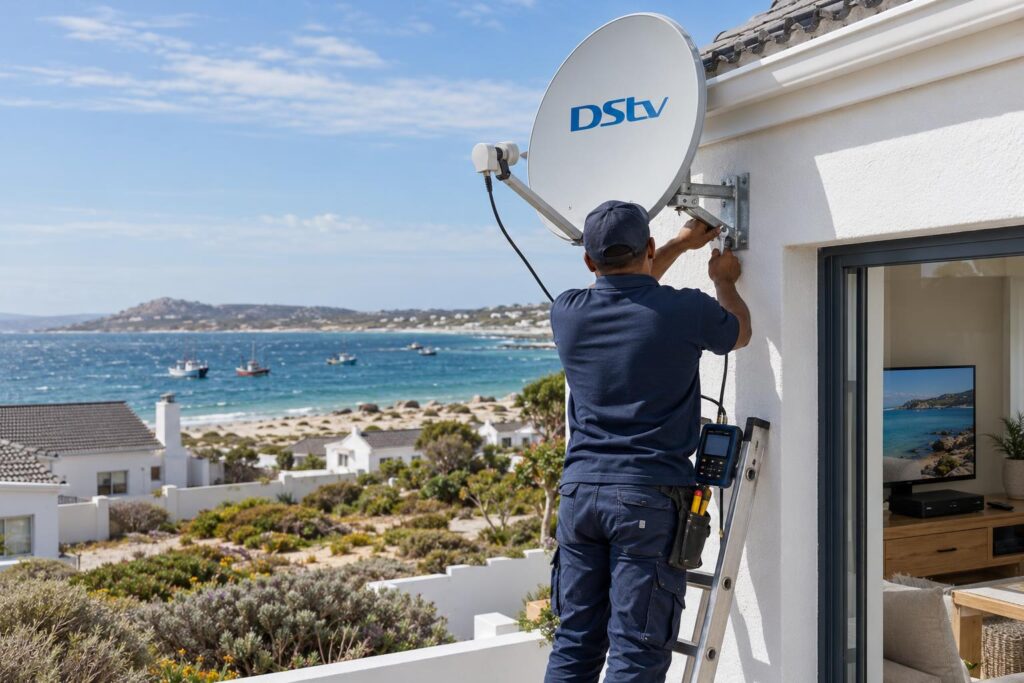
We would rather you fix it yourself if you can. But some situations need a technician with a meter.
- You have paid, cleared the error and waited, and E16 is still there.
- Tuner Status shows low or jumping signal on one or both tuners.
- E16 comes and goes with the wind or rain.
- The smartcard chip looks scratched, bent or corroded.
- Other error codes keep appearing next to E16.
If the account side is clear, it is time to call our St Helena Bay DStv installers. We test the signal at the decoder and at the dish, then fix whatever is weak.
Repair call-outs start from R550 on our current price list. Equipment such as a new LNB or connectors is extra, and we tell you the price before we start. Our DStv installation cost guide sets out typical ranges for repairs and realignments.
If DStv customer care says the account is fine and our test shows a strong signal, the smartcard or decoder may need attention from MultiChoice. We will tell you that plainly rather than charge for work that will not help.
How to stop the E16 error coming back
A few simple habits prevent most repeat cases of DStv error E16.
- Leave the decoder on standby, not off at the wall, around payment dates.
- Pay the full amount due. A short payment can trigger E16 just like a missed one.
- Switch the decoder on for a few hours before guests arrive at a holiday home.
- Let software updates finish without switching off.
- Have the dish and connectors checked after a very windy season.
With these habits, most homes from Velddrif to Shelley Point should rarely see this message again.
Need a signal check on the West Coast?
We cover St Helena Bay, Laaiplek, Velddrif, Shelley Point, Britannia Bay and nearby areas. Call or WhatsApp to book a time that suits you.
DStv error E16: frequently asked questions
What does DStv error E16 mean?
DStv error E16 means "service is currently scrambled". Your decoder is receiving the channel but is not authorised to show it. This is usually caused by payment, package or a decoder that was off when the account was updated.
How do I fix the E16-4 error on DStv?
Switch the decoder on and tune to a channel. Check your balance on the MyDStv app or dstv.com and pay anything owed. Then go to manage account, clear error codes, select E16 and clear it. Wait about 15 minutes with the decoder on.
How long does DStv error E16 take to clear?
DStv says it can take up to 15 minutes after you request the fix. The decoder must stay switched on during that time. If it is still there after half an hour, restart the decoder at the wall and try again.
Why does DStv error E16 keep coming back?
A repeat E16 often means the decoder is switched off when payments go through, or the software is out of date. If the signal is also low or the picture freezes, the dish, cable or LNB may be at fault. That needs a signal test.
Can a bad signal cause the E16 error?
Yes, sometimes. MultiChoice notes that a faulty installation can cause E16. Check Tuner Status under Help and General Information. If the strength or quality is low, ask an installer to check the dish.
Do I need a technician for E16 in St Helena Bay?
Usually not. Most E16 errors clear with a payment check and the "Fix errors" option. Call us on 079 754 5527 if the signal readings are low, or the error returns after wind or rain.
Source for DStv's official explanation: the DStv E16 error code page and the MultiChoice E16 FAQ.
Keep reading
DStv Decoder Won't Turn On in St Helena Bay? 7 Quick Checks
DStv decoder won't turn on? Work through our 7 quick checks for power, resets and heat, learn what…
HomeTV wall mounting: getting the height right
Mounted too high is the most common mistake we fix. Here's the simple rule for a comfortable, cinema-like…
TroubleshootingDStv Signal Problems in St Helena Bay: Causes and Fixes
.wa{color:#243447}.wa h2{font-size:clamp(24px,3vw,32px);font-weight:800;line-height:1.2;margin:38px 0 14px;color:#0F2741}.wa h3{font-size:clamp(18px,2.2vw,22px);font-weight:700;mar