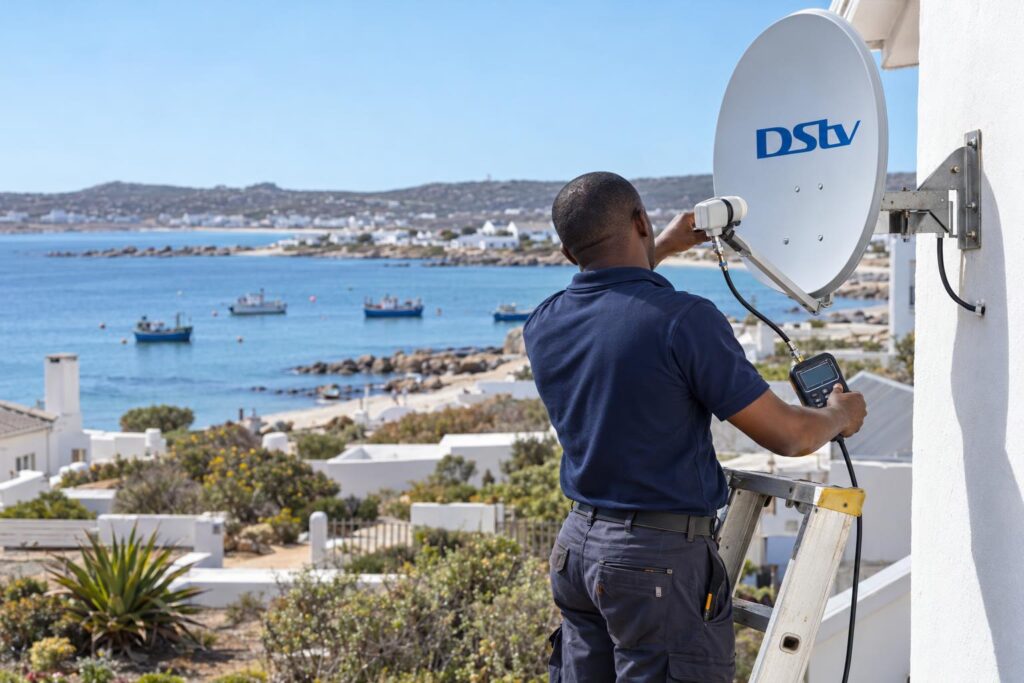
Quick answer: Here is how to activate DStv decoder boxes: switch it on, make sure it has satellite signal, and have your smartcard number ready. Then activate through the MyDStv app, the DStv WhatsApp line on 060 060 3788, the USSD code *120*68584#, or by phoning DStv. Leave the decoder on a channel for up to 30 minutes while the signal reaches it. If it still shows an error, the problem is usually the signal or the account, not the box.
This guide shows how to activate DStv decoder St Helena Bay homes rely on, whether the box is brand new from the shop or second-hand from a neighbour. Our team does this every week, from holiday homes in Shelley Point to farm cottages outside Velddrif. Most activations take a few minutes. The ones that drag on almost always fail for the same handful of reasons, and we cover each one below.
Key points on how to activate DStv decoder boxes
- A decoder cannot be activated without satellite signal. Fix the dish first.
- You need the smartcard number, and often the decoder number too.
- The account must be paid up, including any linked decoders.
- Second-hand decoders must be free of the previous owner's account.
- Keep the decoder switched on and on a channel until the picture comes back.
How to activate DStv decoder: what you need first
Knowing how to activate DStv decoder boxes starts with preparation. Getting ready takes five minutes and saves you an hour on the phone. Gather everything before you open the app or start a WhatsApp chat.
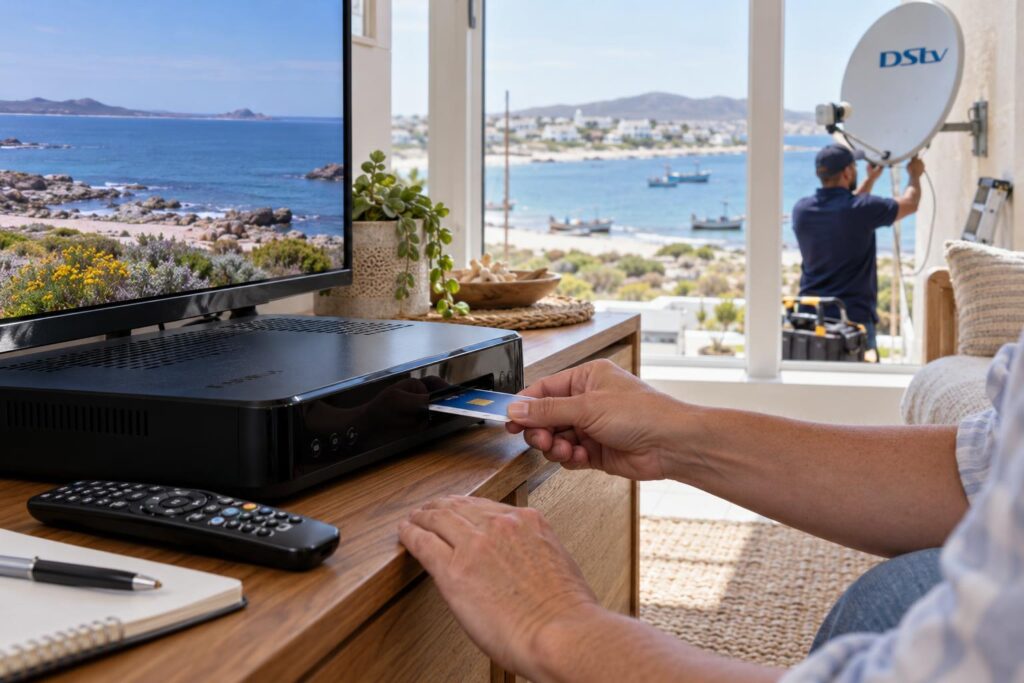
- A working dish and cable. The decoder must show signal on the signal screen, even if the channels are blocked.
- The smartcard number. It is printed on the card in the slot. It is usually the longer number.
- The decoder number. It is on a sticker under or behind the box.
- The cellphone number registered on the account. The USSD code only works from that number.
- Your ID number and account details, if you are the account holder or opening a new account.
Write the numbers on paper first. Reading digits off the back of a decoder while holding a phone is how mistakes happen. One wrong digit and the activation goes to a box that is not yours.
If the stickers have faded in the sun, press Menu on the remote and look for the information or system details screen. Both numbers are shown there.
If you are still choosing a box, our guide to DStv decoder prices in St Helena Bay explains what you pay at PEP, Game and Makro and what installation adds.
New decoder or second-hand decoder?
A new decoder from a retailer is the easy case. It has never been on anyone's account, so you only need to link it to yours.
A second-hand decoder has history. It may still sit on the previous owner's account, or be linked as an extra view box in someone else's home. That history has to be cleared before it will work for you.
How to activate DStv decoder in 6 steps
This is how to activate DStv decoder boxes the way our technicians do it on every job, in the same order. Do them in sequence and do not skip step one.
- Switch on and check the signal. Turn on the TV and decoder. Open the signal screen from the menu. You want both strength and quality readings well above zero.
- Tune to a channel. Pick any channel, such as the DStv promo channel or a channel in your package. Leave the decoder there. Do not put it on standby.
- Choose your activation route. Use the MyDStv app, WhatsApp, USSD or the call centre. The table below helps you pick.
- Give your details. Enter or read out the smartcard number. Check each digit twice.
- Confirm the package. Make sure the right package shows on the account and that nothing is owed.
- Wait and watch. Most decoders come alive within a few minutes. Give it up to 30 minutes before you try again.
How to activate DStv decoder on WhatsApp
Save 060 060 3788 on your phone as DStv. Send the word "Hello" and follow the menu. When asked, give your smartcard number, then choose the option to fix errors or reconnect.
For many people, this is how to activate DStv decoder accounts fastest. WhatsApp suits people who hate call queues. You also keep a written record of what was done.
The MyDStv app, USSD and phone options
The MyDStv app is for South African accounts only and needs you to register. Once you are logged in, it lets you fix errors, pay and manage the decoders on your account.
The USSD code *120*68584# works without data. Dial it from the registered number. It lets you check what you owe, clear errors and reconnect packages. If you are wondering how to activate DStv decoder service during load shedding, this is the best option when the router is down.
The Cape Town call centre is on 021 508 2222. DStv lists its call centres as open seven days a week, 08:00 to 22:00, including public holidays. You can also confirm every number on the official DStv contact page.
| Activation route | What you need | Best for |
|---|---|---|
| MyDStv app | Smartphone, data, registered login | Most people, any time of day |
| WhatsApp 060 060 3788 | WhatsApp and your smartcard number | Quick fixes without a queue |
| USSD *120*68584# | The cellphone number on the account | No data or during load shedding |
| Call centre 021 508 2222 | Account details and some patience | Ownership changes and account problems |
Box still dark after all six steps?
Our team will test the signal, check the cabling and get the decoder authorised in one visit, anywhere from Laaiplek to Britannia Bay.
Why activation fails: fixes for each step
When a customer asks us how to activate DStv decoder boxes that keep failing, we work back through the six steps. Nine times out of ten the fault shows up at step one or step four.
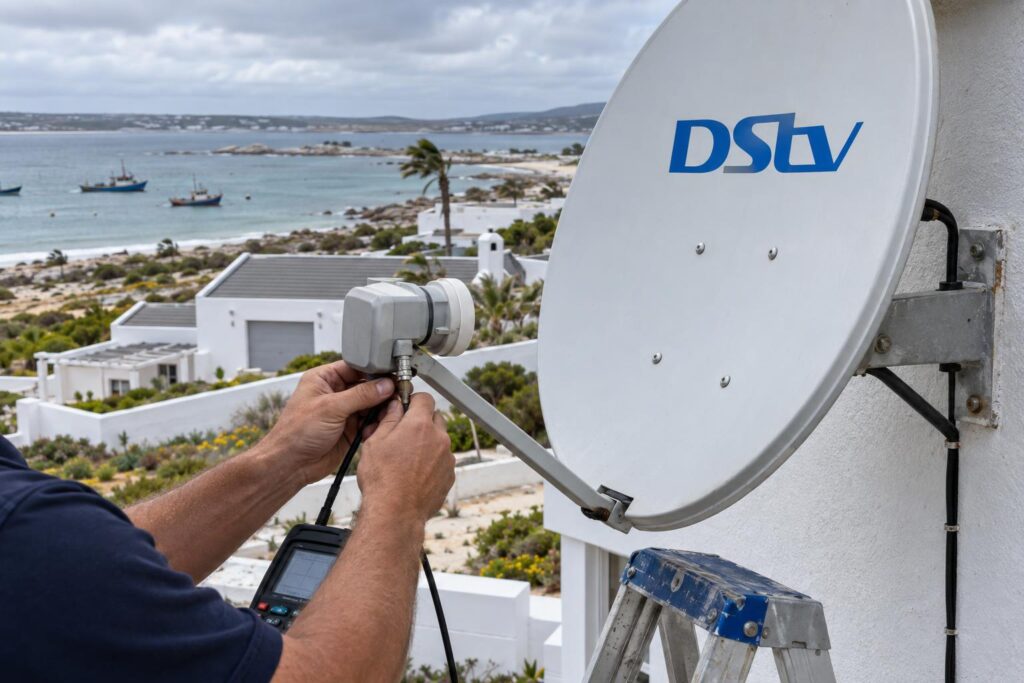
Step 1 problems: no signal
The activation message travels from the satellite to your dish. If the decoder shows E48-32 or "no signal", nothing from DStv can reach it. Activating again will not help.
- Check the cable is screwed firmly into the LNB IN port at the back of the decoder.
- Look at the dish. Has the wind turned it, or has a new building or tree blocked its view?
- Check the connector at the dish arm for green corrosion or water.
Our guide to DStv signal problems in St Helena Bay walks through the common causes on this coast.
If the decoder shows no lights at all, read what to do when your DStv decoder won't turn on. Learning how to activate DStv decoder boxes is pointless until the power is sorted.
Step 2 and 6 problems: decoder off or on standby
A decoder that is switched off at the wall cannot receive anything. We have driven out to "failed" activations that were simply a box on standby. Leave it on a channel and wait.
Step 4 and 5 problems: account and number errors
If the signal is fine but you see E16, the box is getting signal but is not authorised. That is an account issue.
- The smartcard number given does not match the card in the decoder.
- There is money owing on the account, sometimes on a linked decoder you forgot about.
- A payment was made but has not reflected yet. Bank transfers can take time.
- The smartcard is dirty or inserted the wrong way round.
We explain the fix in more detail in our article on DStv error E16.
How to activate DStv decoder bought second-hand
The rules on how to activate DStv decoder units bought used are stricter. Ask the seller for both numbers before you pay. Then contact DStv and ask whether the decoder is free to be added to a new account. A decoder reported as lost or stolen will never activate.
Keep the seller's name, number and a receipt. If the box is still linked to their account, they may need to remove it before DStv can move it to yours. Former extra view boxes catch people out most often, because they only worked as part of a linked pair.
Signal checks before a reconnection
Many St Helena Bay homes have a decoder that last worked a year ago. The house was sold, the tenants moved out, or the holiday home sat empty over winter. In that time the dish, cable and LNB have all been sitting in salt air.
Before you work out how to activate DStv decoder hardware that has stood unused, look for these signs:
- Rust streaks on the dish bracket or wall plugs.
- Cracked or sun-bleached cable along the wall.
- A dish that wobbles when you push it gently.
- Bird nests or sand in the LNB housing.
If any of these show up, fix the hardware first. Our DStv relocations and reconnections service covers reactivating dormant installations, replacing perished cable and realigning the dish.
Moving an activated decoder to a new home
Your decoder stays on your account when you move. But the dish at the new house must point at the satellite, and the cable must be sound. If there is no dish at all, you need a new DStv installation before the decoder can work there.
Local factors that affect activation in St Helena Bay
Our coast is beautiful, but it is hard on satellite gear. A few local conditions turn a two-minute activation into a callout.
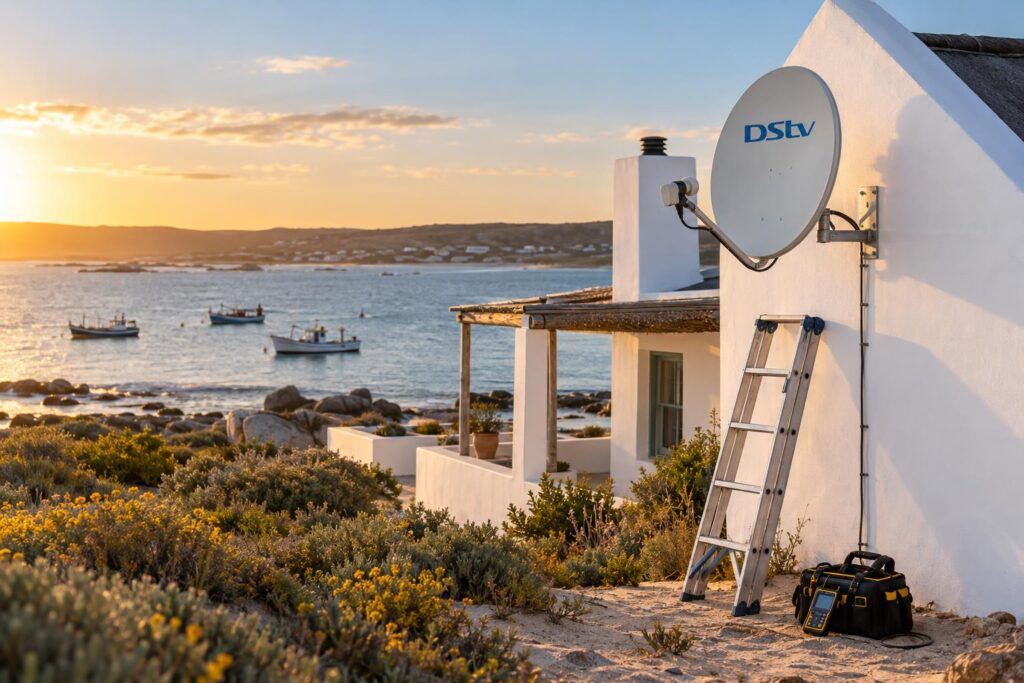
Wind. The south-easter and the winter north-westers push dishes off their aim, a little at a time. In Stompneus Bay and along the shore, a dish that is a few millimetres out can show signal but drop it in a gust. Activation messages can miss the box during those drops.
Salt air. Connectors corrode faster here than inland. A connector that looks fine can still lose signal under load. We seal every fitting for this reason.
Holiday homes. Owners often ask us how to activate DStv decoder boxes after a long winter away. Many houses in Shelley Point and towards the Paternoster side are empty for months. Owners often find the account suspended and the hardware tired when they arrive for the season. Planning a holiday home DStv setup ahead of time avoids the December rush.
Farms and distance. Plots outside Velddrif and further along the West Coast often have long cable runs from the dish to the house. Long, cheap cable loses signal, which can block activation.
Load shedding. Power cuts can reset decoders and knock out home WiFi. Use the USSD code when the router is down, and wait for power before you try again.
Local tip: If you arrive at a holiday home and the decoder shows an error, pay any balance first, then leave the box on a channel overnight. Many decoders pick up their authorisation by morning without any further calls.
When to call a local installer
Most people can learn how to activate DStv decoder boxes themselves in a few minutes. It is time to call us when the signal screen reads zero, when the box will not hold signal, or when you have tried every route and the error stays.
We arrive with a signal meter, test the dish and cable, realign or replace what has failed, and stay until the decoder is authorised and showing pictures. Booking DStv installation in St Helena Bay with us means the dish is fitted with marine-grade hardware that suits this coast.
If you would rather skip the dish completely, our comparison of DStv Stream versus a decoder explains when streaming makes more sense.
For setups with more than one TV, our St Helena Bay DStv installers also handle Explora and extra view work, so every room is activated and linked properly.
Let us get your decoder working today
We cover St Helena Bay, Laaiplek, Velddrif, Shelley Point, Stompneus Bay and Britannia Bay. Same-week callouts on most jobs.
Once the basics are right, how to activate DStv decoder boxes stops being a mystery. Strong signal, the correct smartcard number and a paid-up account are all most decoders need.
How to activate DStv decoder: questions we hear in St Helena Bay
How do I activate my DStv decoder for the first time?
Make sure the decoder is on, tuned to a channel and showing signal. Then activate it through the MyDStv app, WhatsApp on 060 060 3788, the USSD code *120*68584# or the call centre. Have your smartcard number ready.
How do I activate my DStv decoder after payment?
Reconnection usually happens on its own once the payment reflects, which can take time for bank transfers. If it has not come back, use the app, WhatsApp or USSD to reconnect or fix errors. Keep the decoder on and on a channel while you wait.
Can I activate my DStv decoder online without calling?
Yes. The MyDStv app and the WhatsApp self-service line let you fix errors and reconnect without speaking to anyone. The USSD code works without data from the registered cellphone number.
Why is my DStv decoder not activating?
The most common reasons are no satellite signal, a wrong smartcard number, money owing on the account, or a decoder still linked to someone else. Check the signal screen first. If it reads zero, no activation will work until the dish or cable is fixed.
Can I use my DStv decoder at another house?
Yes, the decoder stays on your account when you move. The new house needs a dish that is aligned to the satellite and cable in good condition. If there is no dish, it needs a new installation first.
How long does DStv decoder activation take?
Usually a few minutes once the request is sent, as long as the decoder is on and has signal. Give it up to 30 minutes before trying again. Payments that have not cleared yet can take longer.
Keep reading
OpenView Decoder Kit Price 2026: Retail vs Installer
Shop box, retail bundle or local installer? How the OpenView decoder kit price compares, and which route suits…
ConnectivityDStv Stream vs Decoder in St Helena Bay: 6 Myths and Facts
DStv Stream or a decoder? We clear up six common myths, compare October 2026 prices and explain what…
GuidesOpenView vs DStv St Helena Bay: 2026 Costs, Channels and Dish
OpenView or DStv for your St Helena Bay home? We compare channels, monthly costs and the dish, then…